
Getting started
Create an account and build your first chart in about two minutes.
#Create your chart
You don't need an account to try SankeyKit. Open the builder and paste in your data, or start from a template. Free accounts can build charts with up to 5.
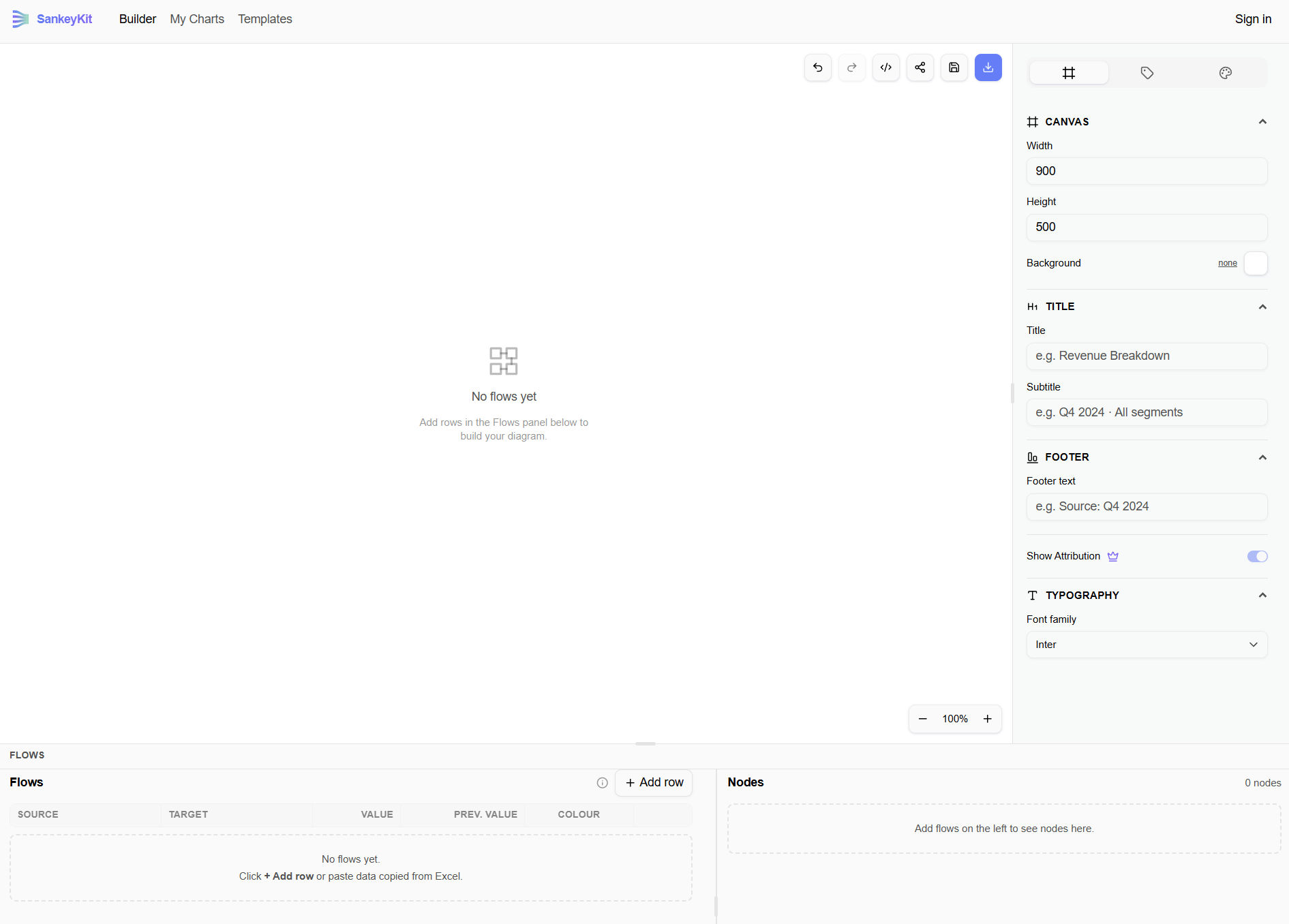
#Enter your data
Flows are entered as rows of source → target → value in the flow table on the left side of the builder. Each row becomes one link in the chart, and SankeyKit figures out the nodes and layout automatically. See Data input for the exact formats supported.
#Style it
Use the controls panel to change colors, labels, link style and chart text. See Styling your chart.
#Export or save
Free accounts can export PNG. Creating an account and upgrading to Pro unlocks PNG and SVG exports, saved projects and shareable links — see Exporting and Projects.